
Beautiful screen recordings in minutes.
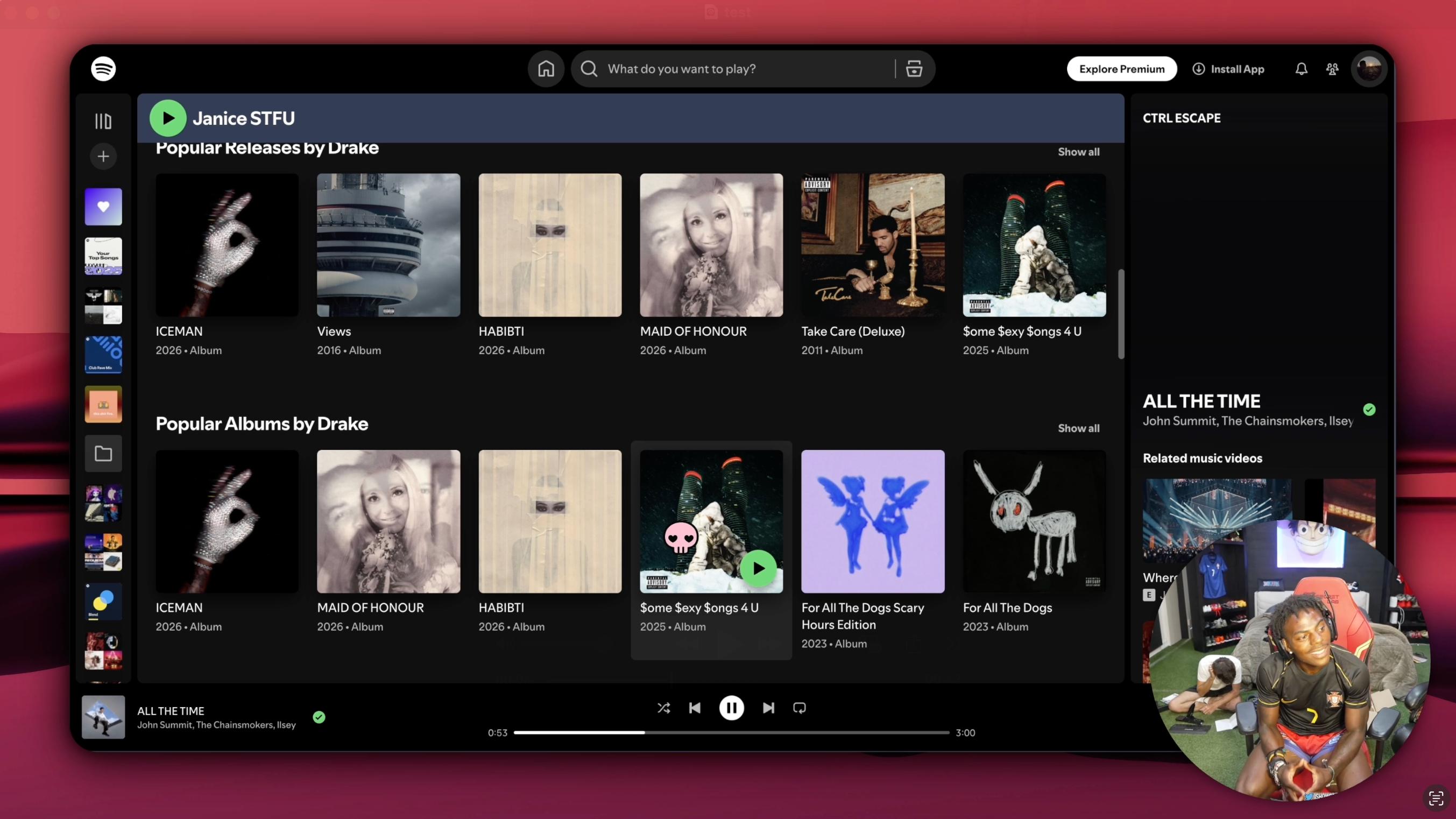
Record your screen. SmoothCut adds the zooms, cursor motion and webcam layouts that make a product demo look produced, without a video editor.
What it does
The polish is automatic. The control is yours.
Zooms that follow your cursor
Automatic zooms track where you are working, with adjustable depth, duration and easing. Take over by hand whenever you want the shot framed exactly.
Cursor motion that reads as intentional
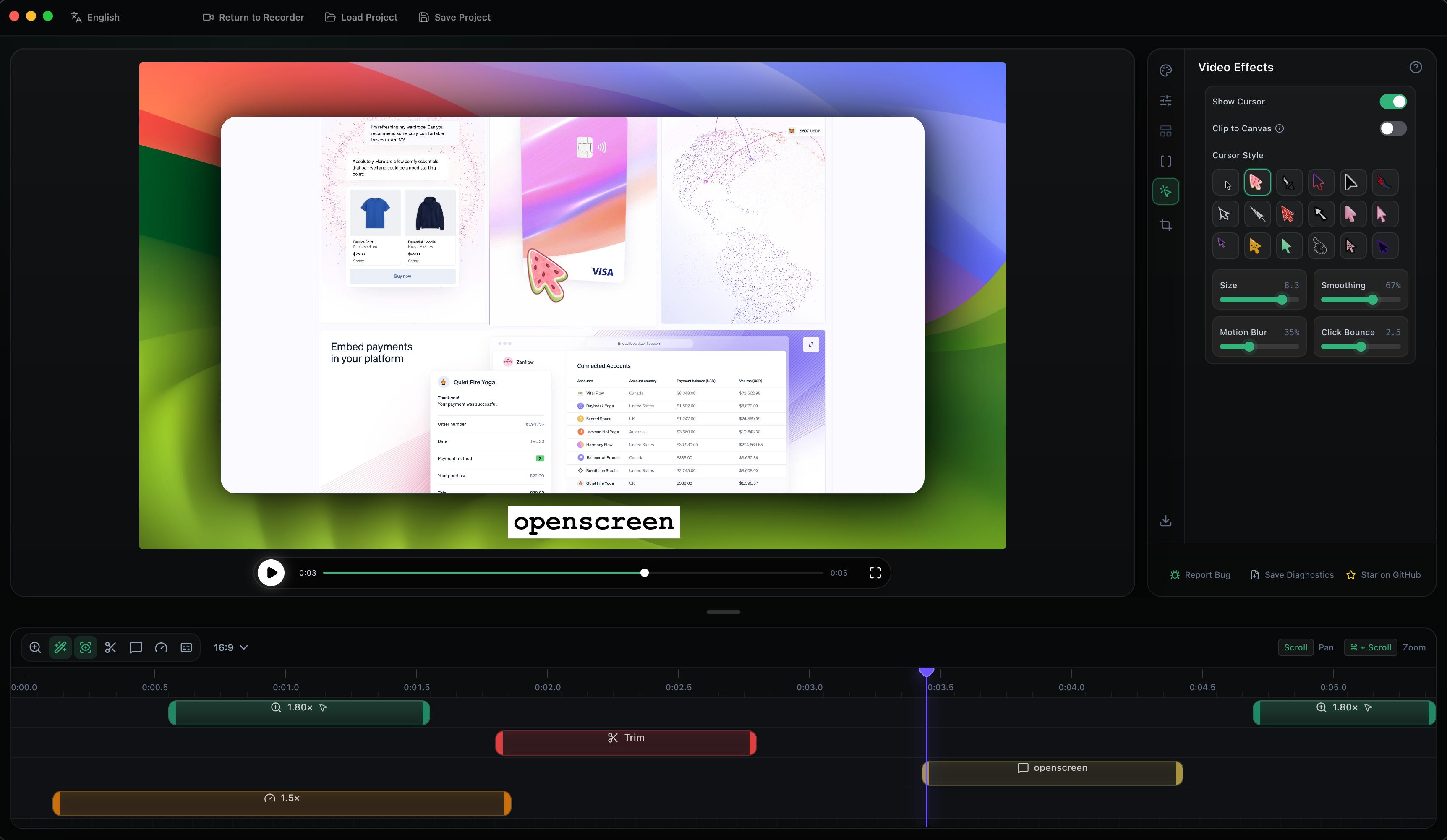
Path smoothing, click effects, custom size and cursor themes. A recorded mouse looks like a demo, not a screen capture.
Webcam that fits the layout
Picture-in-picture, dual frame, vertical stack or fullscreen. Drag to position, mirror, choose a shape. Switch layouts on the timeline.
Backgrounds
Wallpapers, solid colours, gradients or your own image, with padding, border and shadow.
Motion blur
Fast pans and zooms stay smooth instead of stepping.
Captions, on-device
Voiceover captions generated locally. Nothing is uploaded; it works on a plane.
Timeline editing
Crop, trim, per-segment speed, snapping guides and an audio waveform.
Annotations
Text, arrows and images with animation presets.
Export anywhere
MP4 or GIF, any aspect ratio, up to 4K. Vertical for Shorts, square for a feed.
Mic and system audio
Record both, separately, and balance them later.
Keyboard first
Every shortcut is rebindable.
13 languages
English, Spanish, French, Japanese, Korean, Portuguese, Chinese and more.
How it works
Three steps, one sitting.
01
Record
Pick a window or the whole screen. Mic, system audio and webcam if you want them.
02
Adjust
Zooms and cursor motion are already in place. Trim, add a caption, move the webcam.
03
Export
MP4 or GIF in the size the destination wants. Done in the time it took to record.
Local first
Your recordings are yours. So is the app.
Nothing leaves your machine
Recording, editing, captions and export all run locally. There is no upload step and no cloud render queue.
Works offline, indefinitely in practice
Your licence is verified on the device. Check-ins are silent and only need the network every couple of weeks, with a month of grace on top.
One purchase
Buy it once and keep it. A licence that needs the network every day is a subscription in disguise, so ours does not.
Fast on the machine you have
Rendering happens on your GPU, so a five-minute walkthrough exports in the time it takes to make a coffee.